

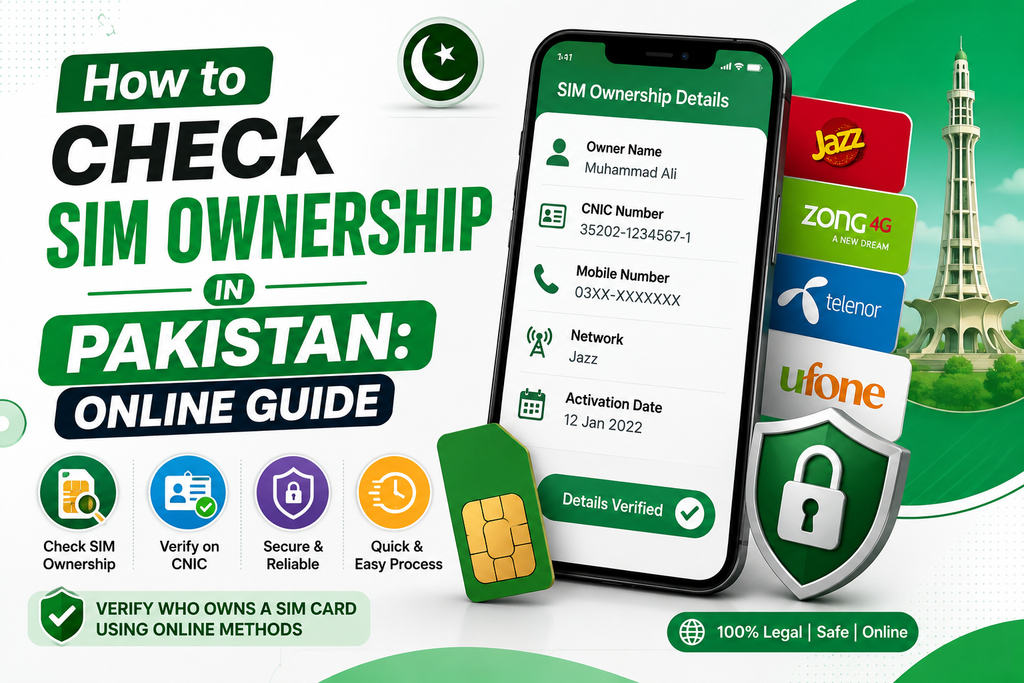
Every active SIM card in Pakistan is biometrically verified and registered against a citizen’s 13-digit Computerized National Identity Card (CNIC) through NADRA and the Pakistan Telecommunication Authority (PTA). Managing your active mobile lines requires knowing how to check Sim Owner Details and access accurate SIM Information using official channels.
Running routine verification checks helps protect your digital identity, secures your online banking apps, and ensures no unapproved numbers remain active under your identity card.
Understanding the PTA & NADRA Registration System
The federal government has issued some guidelines for cellular operators like Jazz, Zong, Telenor, Ufone, and SCO in which they must validate each and every customer by doing their biometric scan.
According to the official guidelines, any citizen can keep a maximum 5 active voice SIM cards on one identity card. Checking your registered account status regularly guarantees that no extra or forgotten connections stay active under your profile without your knowledge.
Official Methods to Verify SIM Information & Ownership
To audit your registered lines safely, always rely on regulatory-approved lookup systems. These services are reliable, secure, and operate directly through official telecommunication networks.
- Online Verification via the Web Portal: Use the official website of the central SIM information database (cnic.sims.pk). Type in your 13-digit national identity card number with no hyphen or space, enter the captcha code, and proceed further. The screen will display an immediate summary showing the active voice and data connections issued to your identity across all cellular operators.
- Offline Verification via SMS Shortcode 668: In case you lack access to the internet, start the default texting application on your phone and enter your 13-digit CNIC number without any spaces or hyphens, then send it to the number 668. The automatic response will arrive in your inbox showing the total number of connections against your CNIC.
- Checking Current SIM Subscriber Details: To verify subscription details for the physical SIM card inside your handset, compose a message with the word MNP and send it to 667. The network operator will reply with a text showing the registered subscriber’s name, masked identity card number, and activation date.
Official Verification Portals vs. Unofficial Tracking Websites
Official lookup tools provided by telecom authorities pull information from live regulatory database records. They provide privacy to users, do not have any malware issues, and are compliant with all national laws for data privacy.
On the other hand, third-party websites like “Live Tracker” or apps for smartphones use databases that may be obsolete, inaccurate, or even made-up. Third-party websites usually use deceptive advertisements for collecting private information like search history and then use this collected data illegally.
Why Checking Your SIM Information Is Important
Maintaining routine oversight over mobile lines attached to your CNIC is a basic cybersecurity requirement:
- Identity Theft Prevention: Dishonest agents or scammers occasionally try using stolen identity card copies to register temporary lines. Conducting audits regularly helps you identify the connection before you can disclaim it.
- Securing Digital Financial Apps: Securing Digital Financial Applications: Financial services, EasyPaisa, JazzCash, and banking applications use one-time password (OTP) codes through SMS. Keeping total control over registered lines protects your financial accounts from unauthorized access.
- Avoiding Legal Liabilities: Telecom laws hold the primary CNIC owner legally responsible for any illegal activity or communication generated from numbers registered under their identity profile.
- Maintaining Organized Records: Easily track old or temporary connections so you can disown and close lines you no longer use.
Essential Steps for Protecting Identity Documentation
Preventing unauthorized SIM activations starts with how carefully you handle your identity documents:
- Physical Document Handling: Never hand over your original CNIC to unverified vendors or roadside sellers. Always obtain new SIM connections directly from official corporate service centers or verified franchises.
- Photocopy Marking: Whenever you hand over a physical photocopy of your CNIC for official procedures, write a clear handwritten note across the copy, such as “For Account Opening Only”. This prevents unauthorized reuse of that photocopy for SIM registration.
- Digital Privacy: Do not post images of your ID card on unsecured communication forums, social networking sites, and online forms that are not verified.
Security Warning: Do not use any applications that claim to offer complete residential addresses, family information, or current GPS location. Access to home address information is highly restricted for public safety reasons. Using third-party tracker portals puts your device and search data at risk.
How to Block and Disown Unauthorized Connections
If a verification check reveals active SIM cards registered under your CNIC that you never personally purchased, follow these steps to remove them:
- Visit an Official Customer Center: Head directly to the nearest official corporate service center or franchise of the operator holding the unauthorized line.
- Bring Physical Identity Documents: Take your original physical CNIC along with a clean photocopy.
- Submit a Cancellation Request: Inform the customer service team about the unrecognized connection and request a formal SIM cancellation and disownment form.
- Complete Biometric Scan: Scan your thumb print on their verification device to confirm your identity and permanently remove the connection from central system records.
Conclusion
Auditing your Sim Owner Details and verifying SIM Information through official regulatory tools like 668 or the central web portal is a simple, effective security practice. Taking a quick moment to review your active connections ensures your mobile banking stays protected, prevents identity misuse, and gives you total control over your registered lines.